 Skip to content
Similar to the design phase in an eLearning project, many organizations skip the prototype phase, thinking that their time would be better spent jumping right into development.
As many professionals in the Training and Development industry know, this can be a recipe for disaster.
Dictionary.com defines a prototype as a model on which something is based, or something that serves to illustrate the typical qualities of a class, model, or example.
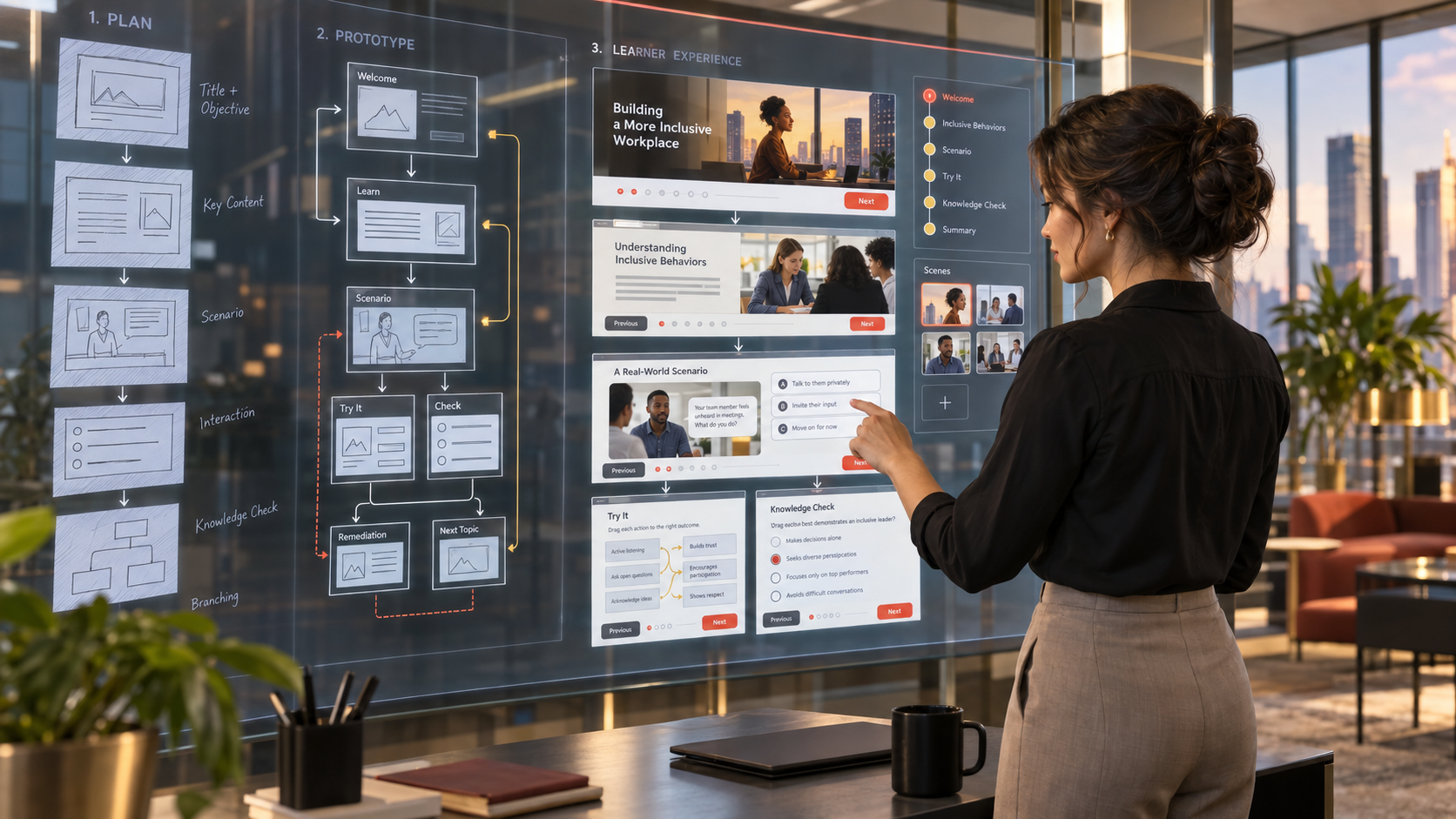
The prototype phase is not just for the design and approval of the module template. This phase can be used to test interactions, as well as scoring, within the LMS. It’s the designer’s opportunity to bring the storyboard to life for the client. It is also a key milestone in the project where the client can visually ‘see’ what the end result will look like and provide that ‘final approval’ before audio narration is recorded and development begins.
No one wants to get to the final stage of a project and have the client look at it with a furrowed brow and say, “This is not what we asked for.”
Some instructional designers create a sketched template using a tool similar to Balsamiq, to give the client a better visual of the final deliverable. You can create multiple slides within one project using this dynamic tool. At Learn2Engage, we design first and then develop the final approved version right in Storyline 360. This method can also be a timesaver and extremely helpful in gathering input from the client on the placement of various objects on the slide. And changes can be made easily before any development begins.
At Learn2Engage, we create a maximum of six slides for the prototype, which include the custom template based on the client’s branding guidelines. Slides may include the title slide, section intro slide, a basic text and graphic slide, an interactive slide, and a knowledge check slide.
Next, we use content from the storyboard to populate the slides, selecting at least three different types of basic interactions, such as drag and drop, click/reveal, and a multiple choice or true/false question.
These slides should be recorded in the LMS and verified during LMS testing. This phase is not only a great time to test interactions, but also buttons and menus. As a bonus, we provide intro music on the title slide and synchronized audio on a few of the slides to improve the overall appeal of the test module.
——————————————————————————————
Let’s summarize the benefits of creating a prototype for your client.
We believe there are three key benefits to including the Prototype Phase in your project:
- It can save you and the client time and money with less rework, helping you to stay within scope and budget.
- It gives the client a ‘visual’ of the course before development and audio recording begins.
- It ensures the module will run smoothly in the LMS before development begins.
We would love to hear about your prototype phase tips and tricks! Feel free to comment below.
Until next time…


