 Skip to content
Our discussion today is all about taking it back to the basics of eLearning, back to the very first phase in the process: design. Then, we’ll zoom in on the most important person in that phase and the highlight of the design document. You guessed it, the LEARNER.
Within the design document, after I define the scope of the project, one of the first items I analyze is the audience. Depending on the project, that analysis may include:
- Demographics
- Education
- Job role
- Technical competency
- Work environment
- How and where learners will access the training
After your audience analysis with the client, it might look something like this:
- The audience includes a diverse mix of employees across demographic groups.
- Some college 30% / Bachelor’s degree 60% / Master’s degree or higher 10%
- Clinical sales representatives who spend 75% of their time in the field visiting medical facilities, demonstrating medical devices, and providing support. Most of their training is completed from a phone or tablet.
- Technical competency rated 5 on a scale of 1 to 5, with 1 being low and 5 being high.
When this initial analysis is complete, we can focus on how to appeal to the learner using graphics, text, audio, activities, and interactions while applying what we’ve learned about the audience.
Designing for Different Ways of Learning
You’ve probably heard learners described as visual, auditory, or kinesthetic. While current research doesn’t support designing instruction around fixed “learning styles,” people do benefit from different ways of engaging with information. That’s why I still think it’s useful to consider how visual, auditory, and hands-on elements can work together within an eLearning experience.
Visual: Use relevant imagery, video, graphics, diagrams, and text to help learners understand and connect information.
Auditory: Narration, dialogue, audio examples, and other appropriate sound elements can reinforce information when they serve a clear instructional purpose.
Hands-on and Interactive: Give learners opportunities to practice, make decisions, solve problems, and apply what they’re learning instead of simply reading about it.
Next, let’s apply these approaches to our audience analysis.
Defining the Visual Experience
When displaying visuals that include people, the imagery should reflect the diversity of the learner population and workplace. Graphics and videos should include relevant medical equipment, medical staff, facilities, and realistic situations based on the employees’ job roles.
Because these learners have a high level of technical competency, the course can also include more sophisticated interactions such as case studies, games, scenarios, and video analysis.
Defining the Auditory Experience
Audio narration can be incorporated when it supports the content and enhances the learning experience. Dialogue within workplace scenarios, audio examples, and appropriate sound effects can also make the experience more realistic and engaging.
The key is to use audio intentionally rather than simply narrating everything learners can already read on the screen.
Defining the Hands-On Experience
Learners should also have regular opportunities to interact with the content and practice what they’re learning.
Reading the steps for operating a piece of medical equipment, for example, isn’t the same as actually applying those steps. Consider creating a virtual simulation of the equipment so learners can practice using it within the module. Adding realistic sound effects and immediate feedback when they make an incorrect selection can make the experience even more effective.
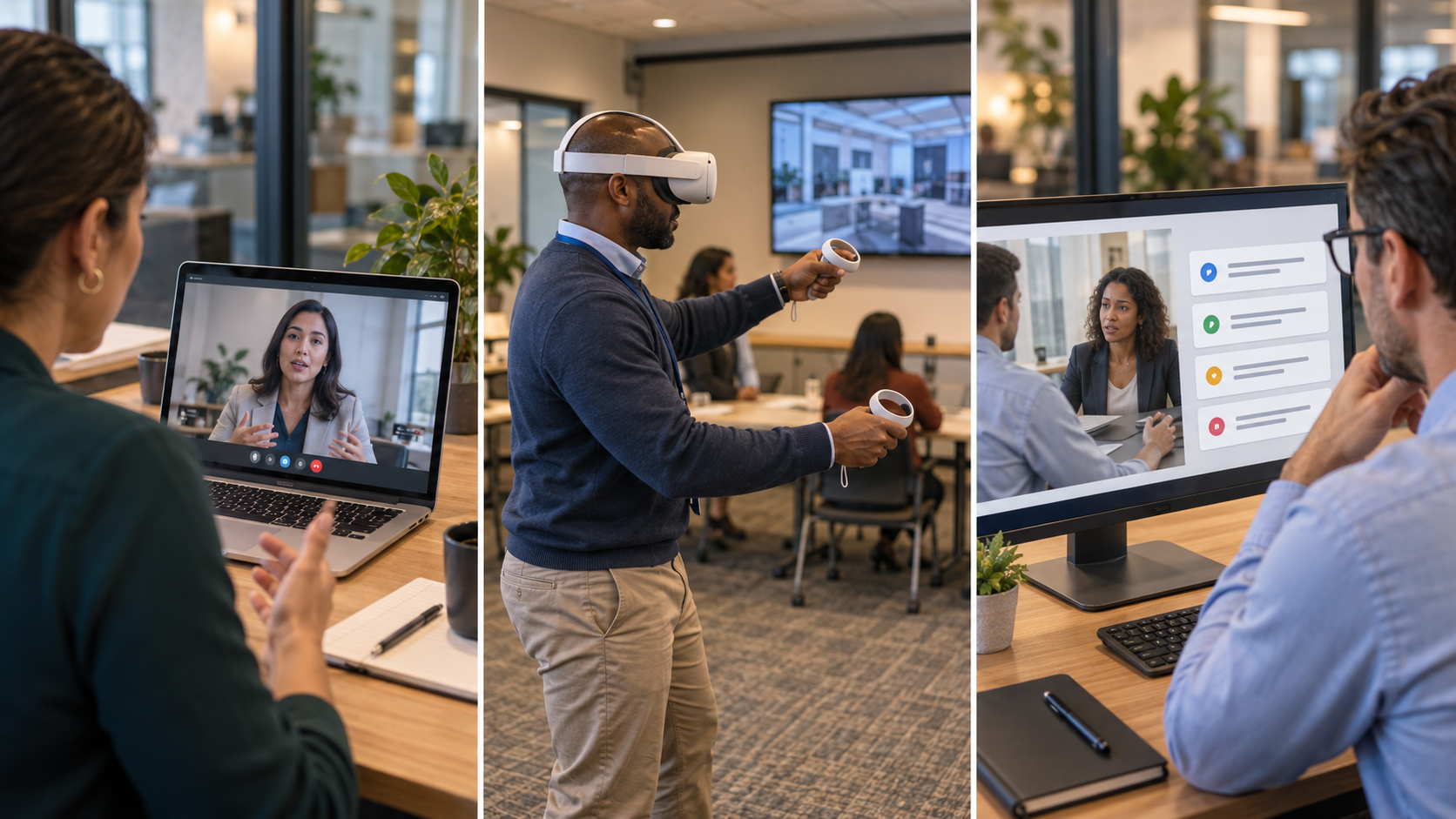
Today, we can take that practice even further. AI-powered role-playing can give learners a safe environment to practice conversations, make decisions, respond to realistic workplace situations, and receive immediate feedback. Virtual reality (VR) environments can provide immersive practice for situations where learners benefit from experiencing a realistic environment or performing a task before doing it on the job.
Whether it’s an eLearning simulation, AI role-play, or immersive VR experience, the goal is the same: give learners opportunities to practice, make mistakes, receive feedback, and build confidence before they have to perform in the real world.


